
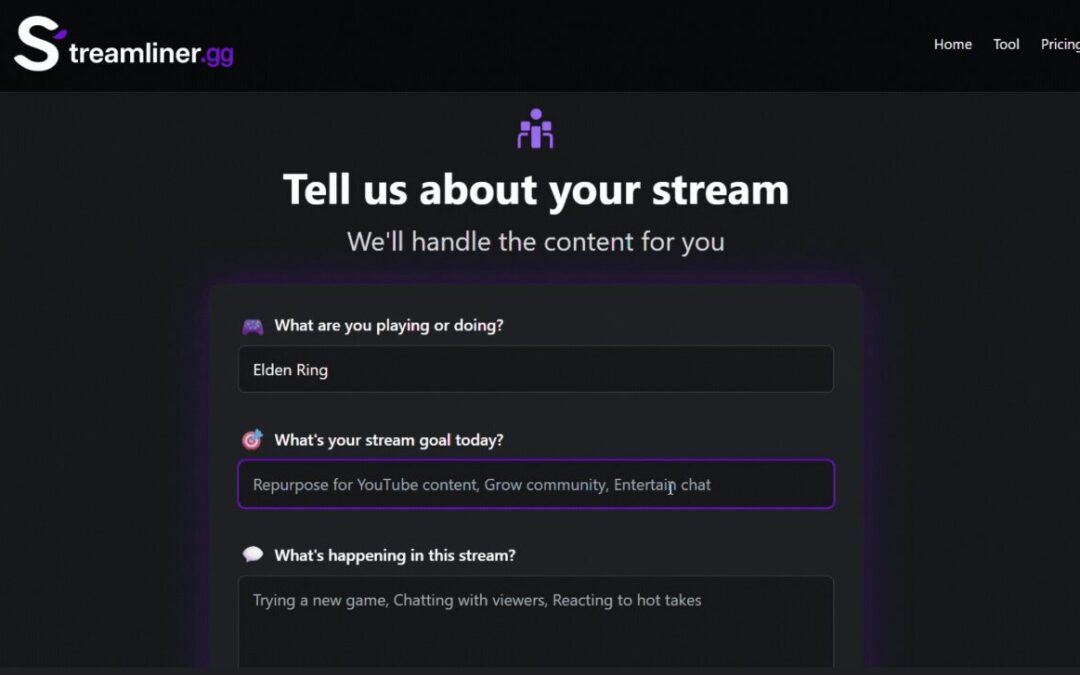
I built Streamliner.gg with AI coding and broke it. Twice.
Here are the 10 mistakes that cost me weeks so you can avoid them in your first vibe coding project.
Look, I’m not a programmer.
Never went to school for it. Never took a bootcamp. Six months ago I couldn’t tell you the difference between a variable and a function.
But I built a SaaS app anyway. Using AI to write all the code.
The app’s called Streamliner.gg—it helps live streamers generate content ideas and creates complete media kits for their streams. Title, description, chat commands, the whole package. It’s not going to win any awards, but it works. Most of the time. When I’m not accidentally breaking it.
And that’s exactly why I’m writing this post.
Because I made every beginner mistake you could possibly make when vibe coding your first real project. I broke my production site so badly it was offline for a week and a half. I had to completely scrap and rebuild the entire thing. Twice.
But here’s the thing—you don’t have to make these same mistakes.
That’s what this post is about. The 10 biggest screw-ups I made building my first SaaS with AI coding, why they happened, and exactly how you can avoid them.
Full transparency: I’m still learning. By the time you read this, Streamliner might be broken again because I tried to add some fancy feature at 11 PM. But that’s kind of the point. I’m figuring this out in real-time and sharing what I learn as I go.
So if you’re thinking about building something with AI coding—whether it’s Cursor, Claude with artifacts, or whatever new tool just dropped—this one’s for you.
Video walkthrough coming soon.
The Fantasy vs Reality of Vibe Coding
When I first heard about vibe coding, I thought it was going to be magical.
Just tell the AI what you want, and boom—perfect app. Like having a senior developer working for you 24/7 who never gets tired and costs basically nothing.
Yeah, that’s not how it works.
What actually happens is you tell the AI what you want, it builds something that kind of works, then you spend three hours trying to figure out why the login button doesn’t actually log anyone in.
But here’s what I realized—vibe coding isn’t magic, but it is powerful. The difference between it working and being a frustrating nightmare comes down to understanding a few key things that nobody tells you upfront.
Things I had to learn the hard way.
Mistake #1: My MVP Was Garbage (And So Were My Prompts)
This was probably my biggest mistake right out of the gate.
I opened up Cursor, super excited, and basically said: “Hey, I want to make this application where streamers can generate content ideas and the AI builds everything for them. Go build it.”
And I just… expected it to work.
Spoiler alert: It didn’t.

What I got was a mess of half-implemented features that barely worked and didn’t actually solve the problem I was trying to solve.
Here’s what I should have done instead:
Have an actual conversation first. Before writing a single line of code, I needed to sit down with the AI and flesh out:
- What exactly does this app need to do?
- What’s the user journey look like?
- What features are must-haves vs nice-to-haves?
- What tech stack makes sense for this?
- What does the MVP actually look like?
And then—and this is key—don’t just dump that scope on the AI and say “build it.” You need to walk through it step by step. “Okay, let’s start with the basic framework. Now let’s get the backend set up. Now let’s add authentication.”
Not because the AI can’t do it on its own, but because you need to understand what’s happening at each step. Otherwise when something breaks (and it will break), you’ll have no idea where to even start looking.
Side note: A lot of people give up here. They treat AI coding like it’s supposed to be completely hands-off, then get frustrated when it doesn’t work. But that’s not the point. The point is that AI handles the syntax and technical implementation while you handle the logic and decision-making.
Mistake #2: I Kept Trying to Reinvent the Wheel
Once I finally had a decent project scope, I made another rookie mistake: I had the AI write everything from scratch.
Want to connect to OpenAI’s API? Write it from scratch. Need user authentication? Build it from scratch. Payment processing? From scratch.
This is insane. And it made everything way harder than it needed to be.
Here’s what I didn’t understand: Libraries exist for literally everything.
Libraries are just pre-written code that other developers have already built and tested. They’re basically Lego blocks you can snap into your project instead of having to carve each piece from wood yourself.
- Need to call ChatGPT’s API? There’s a library for that.
- Want user authentication with sign-ups and logins? There are dozens—pick one.
- Payment processing through Stripe? Library.
The 80/20 here is simple: Use existing code whenever possible. Only build custom stuff when you absolutely have to.
Mistake #3: No Version Control (Git Was a Mystery)
Okay, this one makes me cringe looking back. For the first few weeks, I didn’t use GitHub at all. Commits? Branches? Version control? All gibberish to me.
What I was doing instead: Writing code, testing it locally, and if it worked, just moving on to the next feature. If something broke, I’d spend hours trying to get the AI to fix it.
Here’s what I should have been doing: Using GitHub to create restore points.

Think of it like this—every time you make a change to your code, you can save that version to GitHub. It’s called a “commit.” Then if you add a new feature and everything breaks, you can just roll back to the previous version in seconds.
The basic commands you need to know:
git add .(stages your changes)git commit -m "description of what you changed"(creates the restore point)git push(sends it to GitHub)
That’s it. Three commands that will save you countless hours of frustration.
Mistake #4: Huge Diffs and Not Enough Commits
Even after I started using Git, I was still screwing it up: I’d make five different changes and then create one commit.
Here’s why that’s bad: If one of those changes introduces a bug, rolling back loses the other four changes that were perfectly fine.
Create commits frequently. Like, way more frequently than you think you should.
- Added user authentication and it works? Commit.
- Changed the UI on the homepage? Commit.
- Added a new API endpoint? Commit.
Also: use branches. Your main branch should be stable, working code. When you want to add a new feature, create a new branch, do all your work there, and only merge it back into main once you’re sure it works.
Mistake #5: My Docs Were Always Outdated
Remember those project scope files and README documents I mentioned earlier? Yeah, I never updated them.
I’d create them at the beginning, then as I added features, removed features, or changed my tech stack, I’d forget to update the docs. The AI can only work with the information you give it. If your documentation says you’re using Heroku for hosting but you actually switched to DigitalOcean, the AI is going to get confused and start mixing things up.

Keep your documentation up to date. Every time you make a significant change—new feature, removed feature, different tech stack—update your docs.
Mistake #6: No Logging = Debugging Hell
When your code breaks, you need to know where it broke.
Without logging, you’re flying blind. The app doesn’t work, but you have no idea which part is failing.
Logging is code that tells you what’s happening as your app runs. You can set it up to print messages to your console, display them in your browser’s developer tools, or even save them to files.
For example, let’s say your app generates content ideas, then titles, then descriptions. You can add logging after each step:
- “Content idea generation: Success”
- “Title generation: Failed — API timeout”
- “Description generation: Not reached”
Now you immediately know the problem is with title generation and you can focus your debugging there. Have the AI implement logging regularly, especially when you’re testing new features.
Mistake #7: Only Using One AI Model
For the longest time, I’d just open Cursor, pick a model (usually Claude), and build my entire app with that one AI. But I get better results using two different models at the same time.
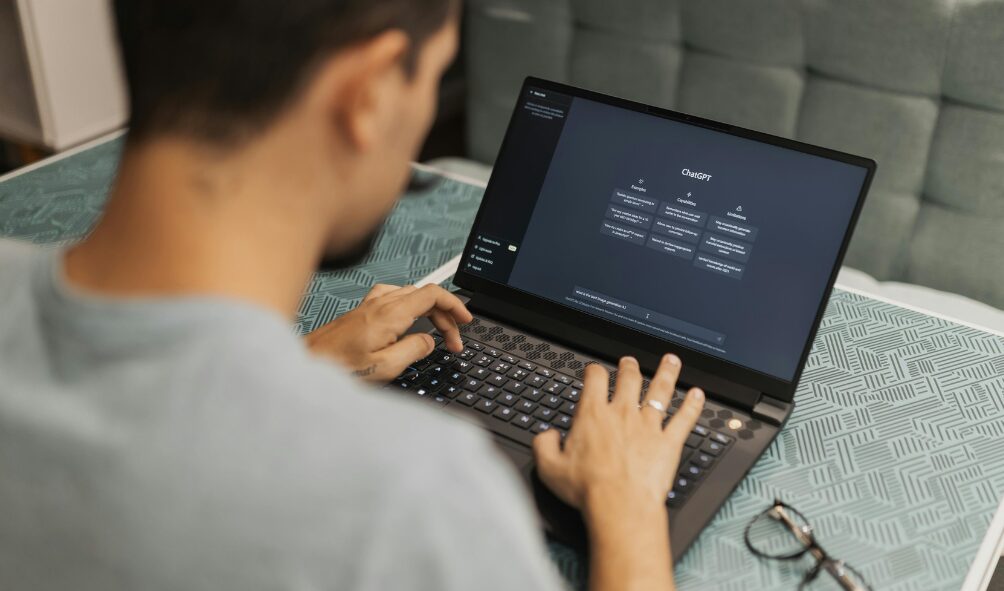
My setup now:
- Model #1 (The Senior Developer): ChatGPT or Claude in a separate window for brainstorming, scoping, and code reviews.
- Model #2 (The Coder): An AI coding agent in Cursor that writes the actual code.
Workflow:
- Talk through what I want with the senior developer.
- It creates a detailed prompt for the coding agent.
- The coding agent writes the code.
- I paste the code back to the senior developer to review.
- It catches mistakes and suggests improvements.
The key is using different models for each role. One model’s blind spots become obvious to the other. For a comparison of popular options, see Cursor vs Claude vs ChatGPT: Which AI Coding Tool Is Actually Best?
Mistake #8: Being Too Afraid to Start Over
Sometimes you just need to delete everything and start over.
I restarted Streamliner from scratch. Twice. Completely deleted the entire project both times. The third time is what you see today, and it’s so much better than what I was trying to salvage before.
My rule now: If I’m spending more than an hour trying to fix a small bug, or if the AI and I have failed to fix something three times, I delete that file and have it rebuilt from scratch.
With modern libraries and AI coding, you can rebuild things faster than you think. Don’t get precious about code that’s not working. Scrap it and try again.
Mistake #9: Overcomplicating Everything
When I started, I wanted to build the perfect app—advanced authentication with OAuth and social logins, complex pricing tiers, fancy UI animations.
Ship simple. Add fancy later.

What actually works: Get the absolute bare minimum working and ship it. Then iterate.
- Start with simple email/password auth; add more later if needed.
- Begin with one paid plan; expand later.
- Don’t spend weeks on UI polish; get it functional first.
Simpler code means you can follow along and learn as you build. And finishing something feels amazing and keeps you motivated.
Mistake #10: Auto-Deploying Main to Production
This is probably the single dumbest thing I did, and I kept doing it for way too long. I had my setup configured so that every time I pushed a commit to GitHub, it would automatically deploy to production. The live site. The one people were using.
So my testing process was: write code, push to production, test on the live site, if it breaks, roll it back. That’s how I broke my site so badly it was offline for a week and a half.
Never auto-deploy your main branch directly to production while you’re still actively developing.
Do this instead:
- Create a separate testing environment (a different container or subdomain is fine).
- If you use auto-deploy, deploy from feature branches to your test environment.
- Only merge to main—and auto-deploy to production—after it’s verified.
If you need help, read Setting Up Your First Testing Environment (Without Breaking Production).
What I’d Tell Myself Six Months Ago
- You’re going to break things. A lot. That’s normal.
- The AI isn’t magic, but it’s powerful if you use it right. Treat it like a junior developer with clear instructions and oversight.
- Learn Git first. Spend two hours understanding Git and GitHub—it’ll save you weeks.
- Use libraries for everything you can. Don’t reinvent the wheel.
- Start simple and ship something. You can’t learn from something that never gets finished.
- And definitely don’t auto-deploy straight to production.
The Real Lesson Here
I’m not an expert developer who’s built 47 successful SaaS apps. I’m just a guy who had an idea, used AI to build it, made a ton of mistakes, and learned from them.
But that’s the beautiful thing about vibe coding. You don’t need to be an expert. You just need to be willing to learn, make mistakes, and iterate.
The barrier to entry for building software has never been lower. You can go from zero coding knowledge to having a working SaaS app in weeks if you avoid the big mistakes I made.
So if you’ve been thinking about building something, stop overthinking it. Start with something simple, follow the lessons I learned the hard way, and just build the thing.
You’re going to break stuff. That’s fine. I’m still breaking stuff. But you might also build something pretty cool.